
Wire your cockpit.
Fly it in DCS and BMS.
AIM Cockpit Manager finds your panel boards, walks you through wiring every switch, knob and gauge, and keeps your cockpit in sync with the sim while you fly. It's free, with every feature.
F-16C in DCS World and Falcon BMS. A-10C coming soon.
Finds your boards
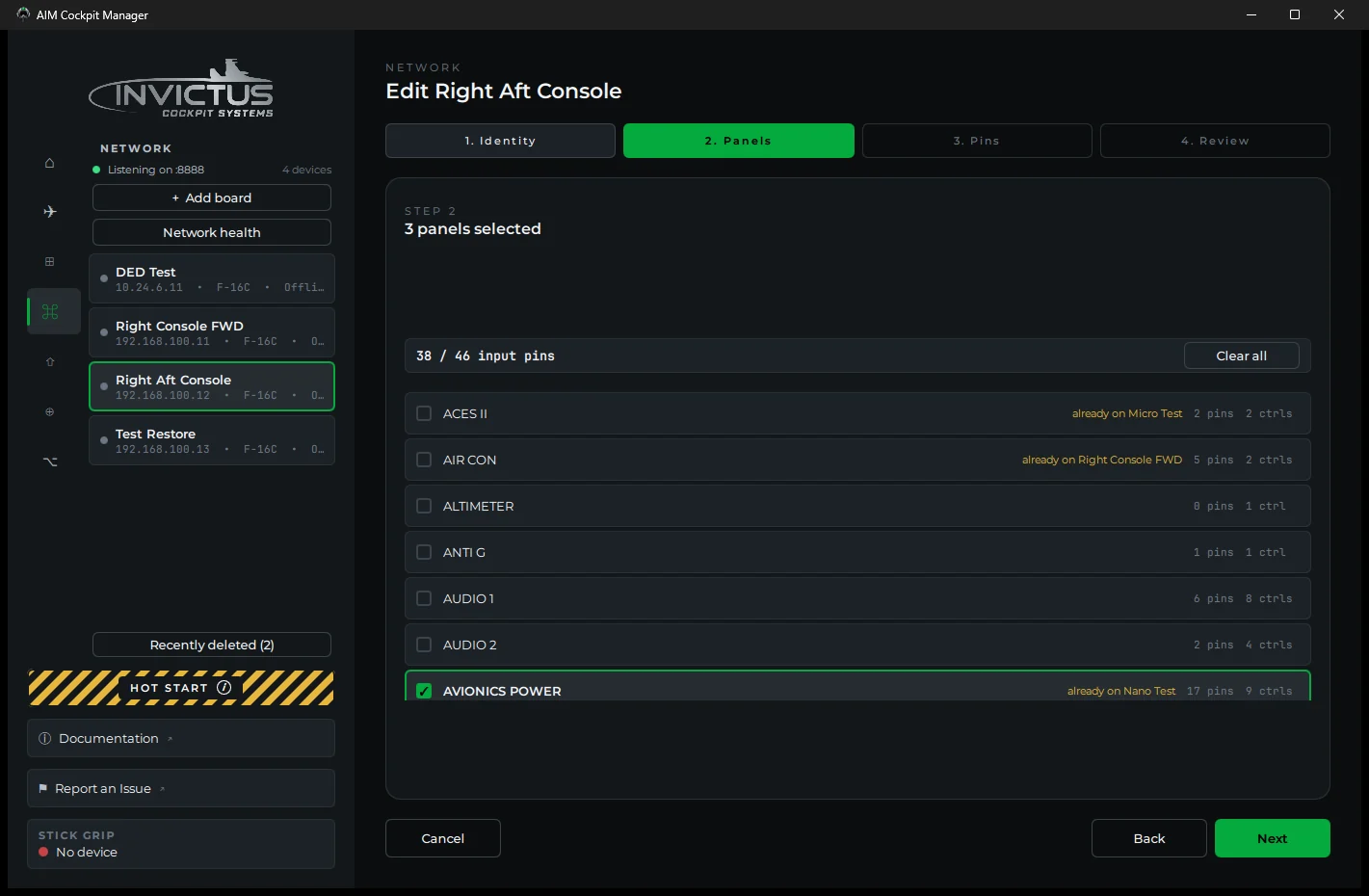
Every AIM board on your cockpit network, and every DIY board on USB, shows up by itself. A setup wizard walks you through each one.
Wire it, then learn it
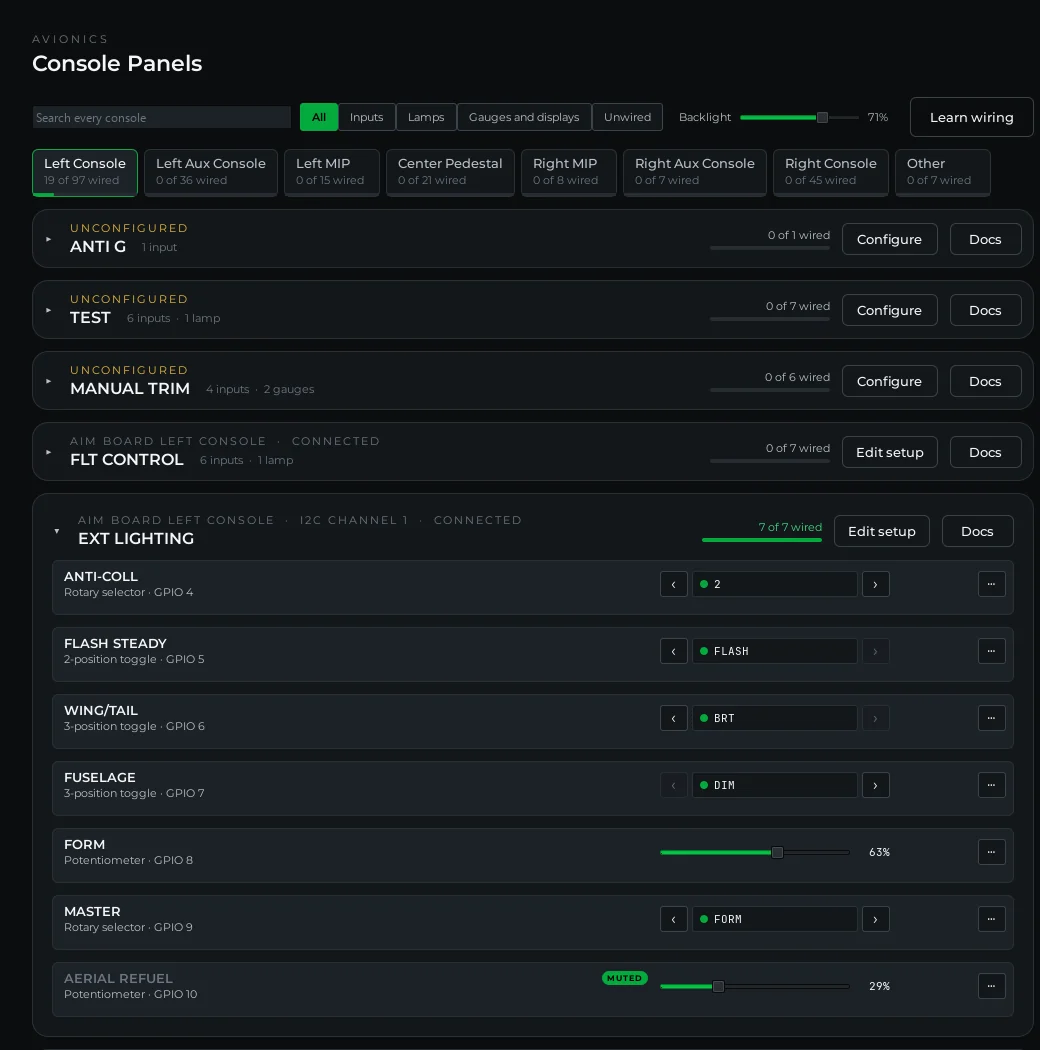
Assign each switch, knob and pot to a pin, or flip the switches and let learn mode find the wiring. Test it live, with no round trips to the sim.
Installs the sim side
The manager installs the integration for DCS World and Falcon BMS. You never edit a file by hand.
Displays on extra monitors
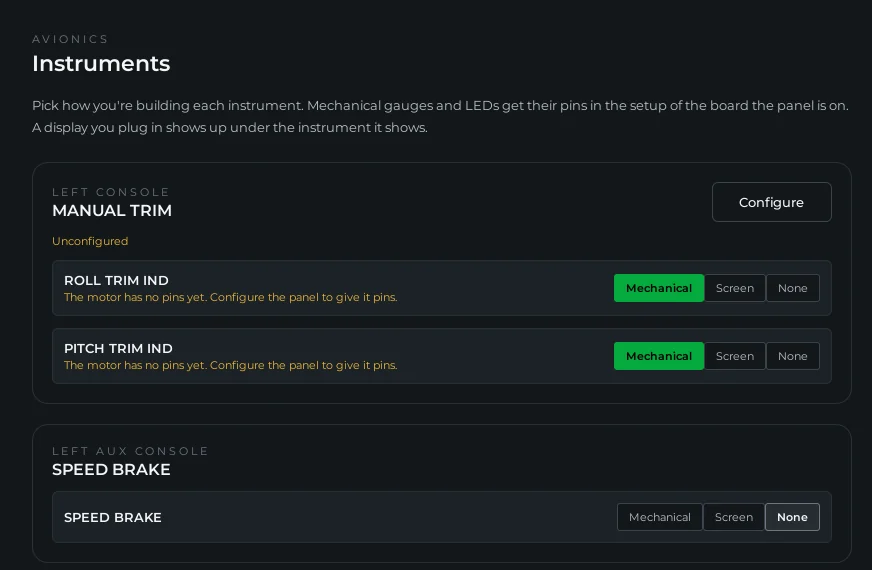
Puts your MFDs, DED, RWR, HUD and EHSI on extra monitors in both sims. In DCS the setup is called AIM Displays.
See it at work.
AIM boards just work.
AIM panel boards (Sidewinder and Phoenix) connect over one Ethernet cable that carries data and power: no separate power supplies, no USB hubs, no drivers. They never need a key, and neither do Invictus displays or the VFT5 side stick.
AIM boards at invictuscockpits.com →Build with what's in the drawer.
The manager also drives panels on your own Arduino, Teensy, Raspberry Pi Pico or ESP32 boards over USB: the same wizard, live testing, learn mode, lamps, gauge needles and displays. Setting them up takes a key: free, or pay what it's worth to you. Invictus hardware never needs one.
Get a key →